
Workshop WIP monitoring software

WIP Monitor
Know where any car is, in one scan.
WIP Monitor lets your team scan a number plate and instantly see whether a car is under service, ready for collection, or has no job card at all.
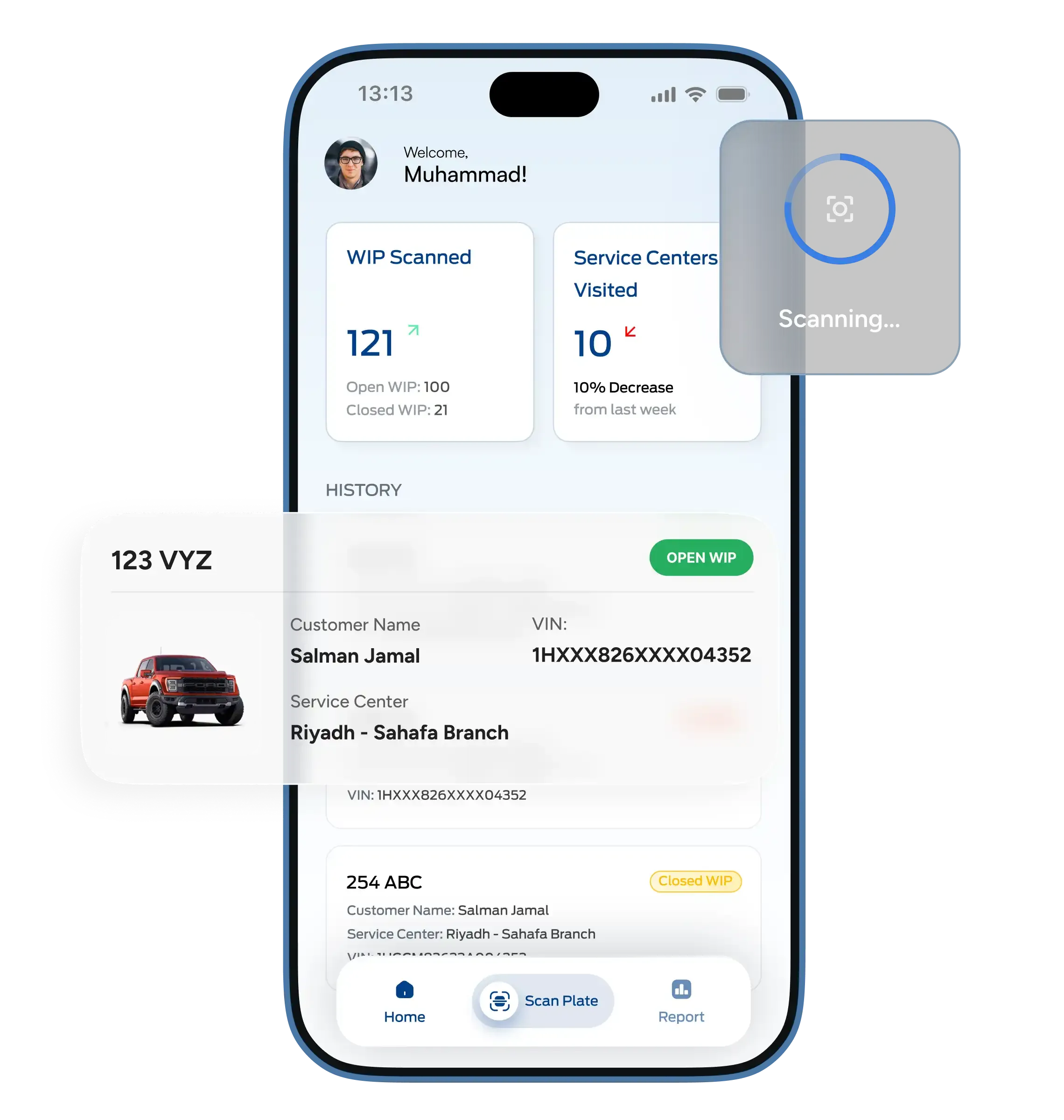





Point your phone at a plate and the status comes back in seconds.
Scan the plate
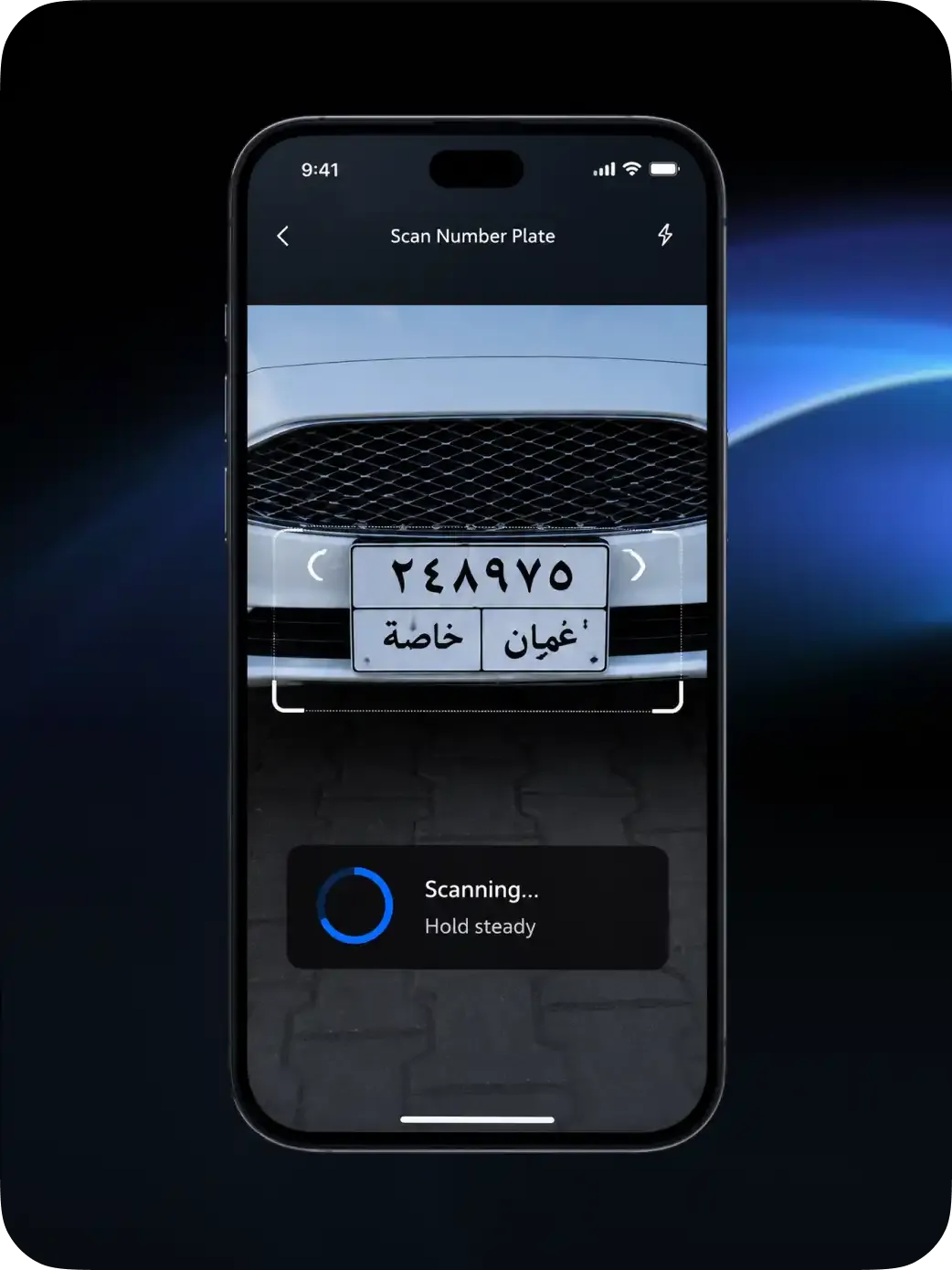
Point your phone camera at the number plate and capture it, no special hardware needed. The app reads it automatically, in both Arabic and English.

Know the status
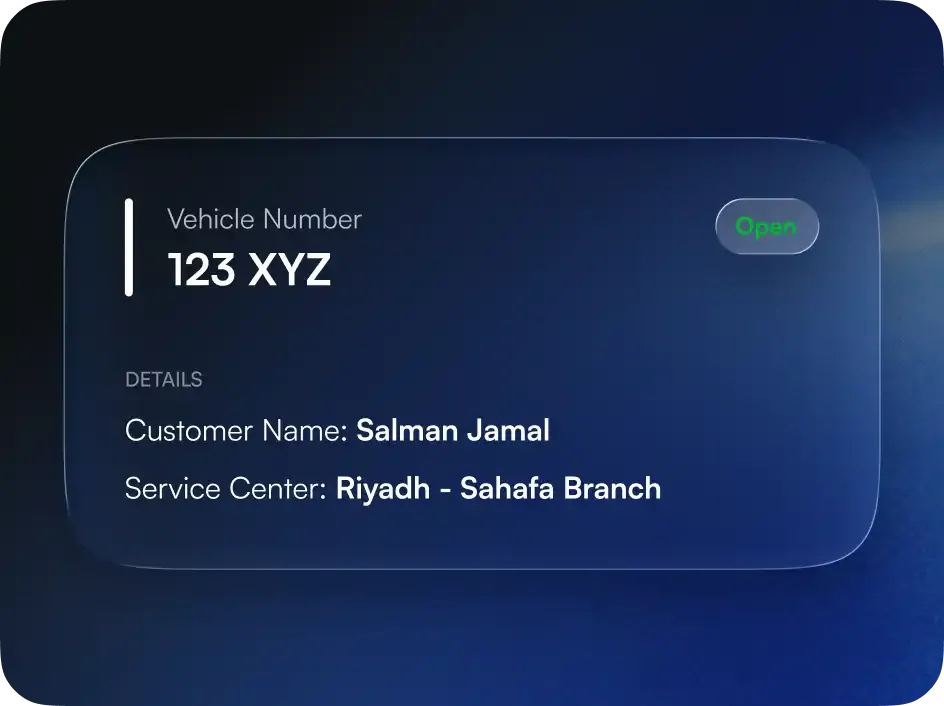
The plate is checked automatically against your connected DMS. The status comes back instantly, Open (under service), Closed (ready for collection), or No job card found, with details like the WIP date, VIN, service advisor, and branch.
Built for a busy service yard.
Stories that truly reflect our commitment

Oorjit has proven to be the ideal partner for us, with their deep understanding of the automotive industry and expertise in DMS systems. Their knowledge facilitated a seamless integration with Keyloop, and their professional team consistently delivered projects on time for Al Jazirah. We can truly depend on Oorjit when it comes to commitment and delivery.

Mohammad Abdul Quader
National IT Manager, Al Jazirah
Frequently asked questions
Answers to common questions about the WIP Monitor app.
It is a mobile application that helps service centre teams check the WIP (Work In Progress) status of vehicles on the spot. Instead of searching through the DMS or walking to a desk, supervisors, managers and service agents can identify a vehicle and see its job card status within seconds. This gives better visibility of vehicles remaining at the service centre after servicing.
The user captures the vehicle's number plate using the mobile camera. The app reads the plate number from the image using OCR (Optical Character Recognition), and the plate number can also be entered manually when needed.
No specialist hardware is needed. The app runs on a standard mobile device and uses its built-in camera.
Once the plate number is recognised, the app checks it against the WIP data from your DMS. It then shows the result along with relevant details such as job card status, WIP creation date, VIN, service advisor and branch.
The app is designed to work with a DMS in two ways: through an API, or through a scheduled data file from the DMS. This gives flexibility across different DMS setups. The right approach for your environment is finalised during discovery.
A scheduled job can pull the latest WIP data file from a location your DMS exports to, at an interval suited to your operations. Plate lookups then run against that data, which refreshes automatically on each cycle.
With an API connection, the information is fetched in real time. With the scheduled file approach, it is as current as the configured refresh interval, which can be set to suit your needs.
Supervisors, managers and service agents can use the app to check vehicle status. Access is controlled through role-based login, so each team member sees what is relevant to their responsibilities.
The dashboard gives an at-a-glance view of Total WIP, Open WIP, Closed WIP and No WIP counts, updated as vehicles are scanned. Supervisors and managers can also browse the listing of scanned vehicles and their statuses to follow up on vehicles that need attention.
The timeline depends on your DMS and the scope of the rollout, and is confirmed during discovery. Typically we would need access to WIP data from your DMS (via API or an exported file), details of your service centre users, and a nominated contact for review and testing.


Less time searching, more time serving.
Less time searching, more time serving. Check a car’s status at a glance so your team’s time goes where it matters.